Skip to content

Accessibility

A website for everyone isn't a plugin.

Since 28 June 2025, accessibility has been a legal requirement for many online shops and digital services. This page shows what that means in practice: you can try every example with a mouse, a keyboard or a screen reader.

Your device, right now

The site adapts to the way you use it.

Your operating system passes some preferences to the browser. We read them to adapt the page without asking you anything and without storing any data.

We don't detect whether you use a screen reader: no website can know that reliably, and that's how it should be.

Reduced motion
…
High contrast
…
Dark mode
…
Forced colours (Windows)
…
Text size
…
Pointer
…

Try it yourself

Four differences you can't see.

At a glance, two sites can look the same. The difference is felt by people who use a keyboard, see fewer colours or listen to the page instead of looking at it.

01

Keyboard

Start the test, then press Tab a few times. On the left you can always see where you are; on the right you can't.

With indicator

Without indicator

During the test, Tab moves only between these four buttons. Esc to exit.

Without a mouse, on the right you lose track of where you are.
02

Contrast

Move the slider: the text gets lighter and the contrast ratio is recalculated.

Available in three colours

…

The minimum for normal text is 4.5:1. Many sites use light grey because it "looks elegant".

03

Described images

This is what a screen reader user hears for the same product photo.

Press a button: we read it aloud and write it here.

04

Colours

About one man in twelve struggles to tell some colours apart. See the same product card through his eyes.

Ceramic mug

€32 €24

In stock

Last few left

View

That's why a product's status is written in words: a coloured dot on its own isn't enough.

A common misconception

A stick-figure button doesn't make a site accessible.

Widgets that add an icon to enlarge text or change colours don't touch the page's code. A screen reader still finds unnamed buttons, unlabelled forms and images with no description.

Accessibility is built into the theme and the content: it is design and development work. That's why we include it in every site we build instead of adding it at the end.

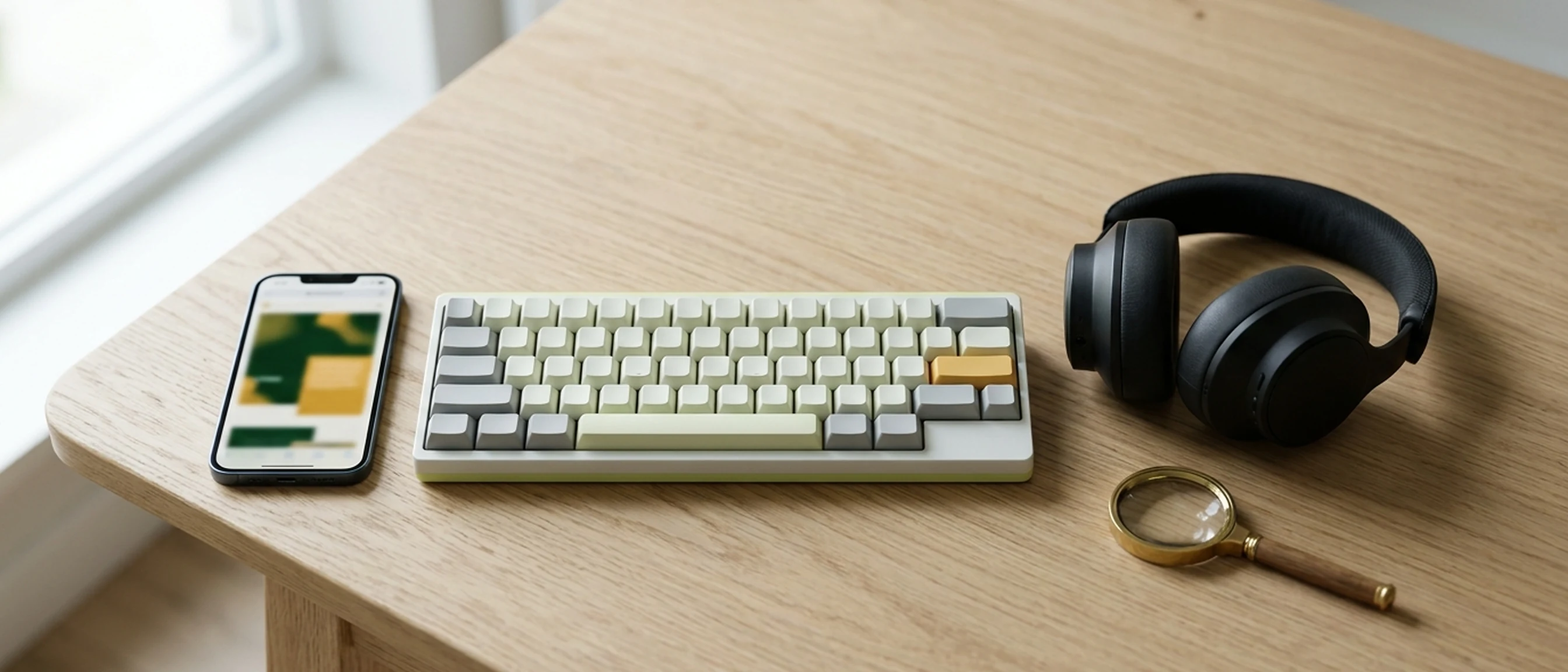
A smartphone, a keyboard and a pair of headphones on the same table: different ways of using the same website

What the law requires

The requirement in three points.

A summary to help you find your bearings. It isn't legal advice: check your own case with a professional.

Who it applies to

Legislative Decree 82/2022 is the Italian law that transposes the European Accessibility Act. Since 28 June 2025 it has covered many consumer services, including e-commerce, banking, phone and internet services, passenger transport and e-books. Microenterprises providing services are exempt: fewer than 10 staff and annual turnover or balance sheet total of up to €2 million. Companies with average turnover above €500 million must also follow some rules of Law 4/2004, Italy's earlier accessibility law.

The standard

The technical reference is the European standard EN 301 549. For the web, the version currently in force points to WCAG 2.1 level AA: readable text, everything usable by keyboard, described images, understandable forms. The new version of the standard moves to WCAG 2.2, and we already work to it.

What must be published

Anyone offering a service covered by the law must explain how it meets the accessibility requirements, in their general terms and conditions or an equivalent document. Public administrations and some large companies instead publish an accessibility statement using the template from AgID, the Agency for Digital Italy. For digital services, AgID is also the supervisory authority.

In the sites we build

Seven checks on every page.

They are the same checks we applied to this site. The result is in our accessibility statement.

  1. 01 Structure

    Headings in order, named page regions, a link to skip straight to the content.

  2. 02 Keyboard

    Every control can be reached with Tab. The focus indicator is clearly visible and the header doesn't cover it. In open dialogs, focus stays inside the dialog.

  3. 03 Contrast

    Text and buttons at 4.5:1 or higher, on hover and in dark mode too.

  4. 04 Zoom and text

    The page stays readable up to 400% zoom without horizontal scrolling.

  5. 05 Device preferences

    Reduced motion, high contrast, Windows forced colours and dark mode are all respected.

  6. 06 Images and forms

    Useful descriptions for images, a label on every field, errors explained in the right words.

  7. 07 Testing

    Automated checks on every page and manual tests by keyboard, with zoom and with system preferences.

Frequently asked questions

Before you ask.

Does my online shop have to be accessible?

If you sell to consumers and your business isn't a microenterprise, very probably yes: since 28 June 2025 e-commerce has been covered by Legislative Decree 82/2022, the Italian law that transposes the European Accessibility Act. For your specific case, it's worth checking with a lawyer.

Is installing an accessibility plugin enough?

No. A plugin can add useful tools, but it doesn't fix the page's code: unnamed buttons, unlabelled forms and poor contrast stay exactly where they are. The work has to be done in the theme and the content.

Can an existing website be made accessible?

Often, yes. We start by checking every page, then tell you what needs fixing in the theme, what in the content and which parts are worth rebuilding.

What is an accessibility statement?

It is a public page that states how far the site conforms, what doesn't yet and how to report a problem. For public administrations and some large companies it is mandatory and must be updated every year. Businesses covered by the European Accessibility Act must instead give information on the accessibility of their services in their general terms and conditions or an equivalent document.

Would your website pass these tests?

Send us the address: we'll test it with the same checks as this page and tell you what we see.

Or email us at [email protected]

Beez Solutions Tools, not shop windows

On a computer?

Scan the code with your phone and message us on WhatsApp.